Cricket Captain 2026 Editors Explained
All of the editor text files have instructions at the top of the file, the files are designed to be shared between users. Dropbox will be required for mobile users.
Changes from Cricket Captain 2025
The install location for editnames.txt has been moved so it is in the same place as the new editing text files.
PC: C:\Users\<User name>\AppData\Roaming\Childish Things\Cricket Captain 2026\editor
Mac: In Finder open the Go menu then choose Go to Folder…. In the resulting dialog the correct folder is: ~/Library/Containers/com.childishthings.cricketcaptain2026mac/Data/Library/Application Support/childish things/cricket captain 2026/editor
Mobile: Dropbox\Childish Things\Cricket Captain 2026\editor
Some users had a problem with reading in a names file they'd downloaded, this was because they'd already starting editing a file which would have been newer than the downloaded file. We’ve now added a popup asking users if they want to use the local or dropbox file.
Some users had issues with directories not being created on dropbox without saving and exiting, dropbox directories are now created on your device as soon as you enable dropbox.
Fields now sync to Dropbox so can be shared between devices. You can also copy over your fields from Cricket Captain 2025 if you wish.
Editor files live in these locations:
PC: C:\Users\<User name>\AppData\Roaming\Childish Things\Cricket Captain 2026\editor
Mac: In Finder open the Go menu then choose Go to Folder…. In the resulting dialog the correct folder is: ~/Library/Containers/com.childishthings.cricketcaptain2026mac/Data/Library/Application Support/childish things/cricket captain 2026/editors
Mobile: Dropbox\Childish Things\Cricket Captain 2026\editor
Competition Logo Editor
In game, go to a domestic table and you’ll see a cog, select this to open the logo editor. From here you can add a new logo for a competition or change to an existing logo. When doing so it will create the icon and text file in the location above.
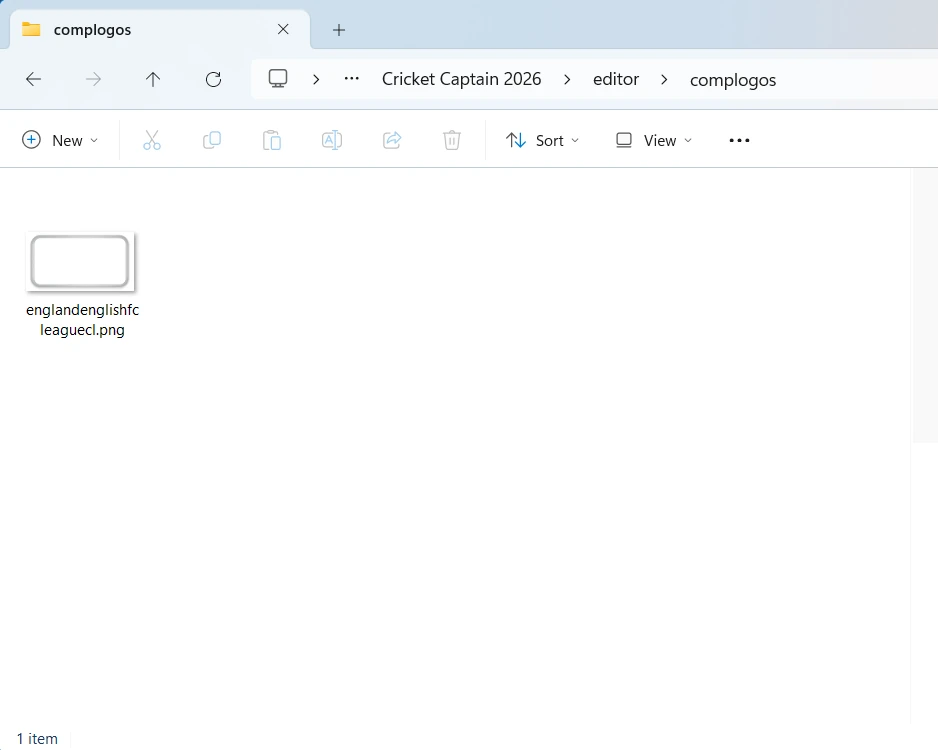
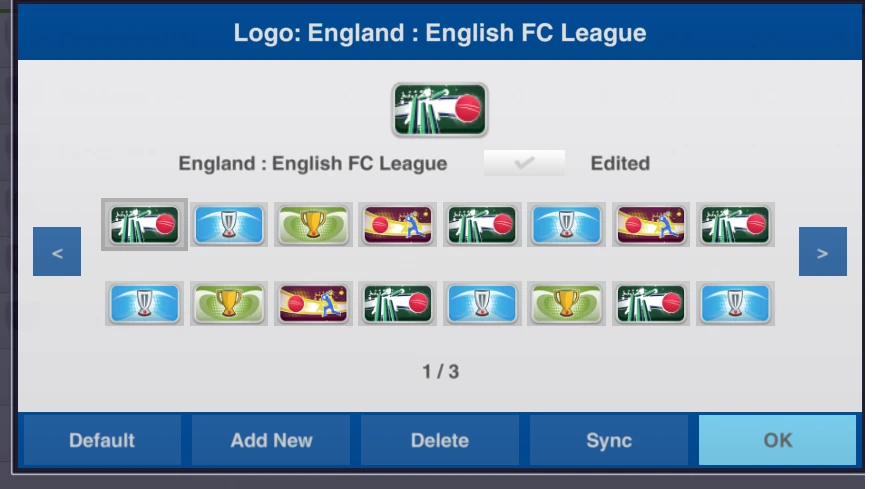 When you select Add New it adds a default comp logo to this folder:
Kit Editor
In game, go to a team and you’ll see a shirt icon on the header bar, select this to open the kit editor. From here you can add a new kit for a team or change to an existing asset. When doing so it will create the kit assets and text file in the location above.
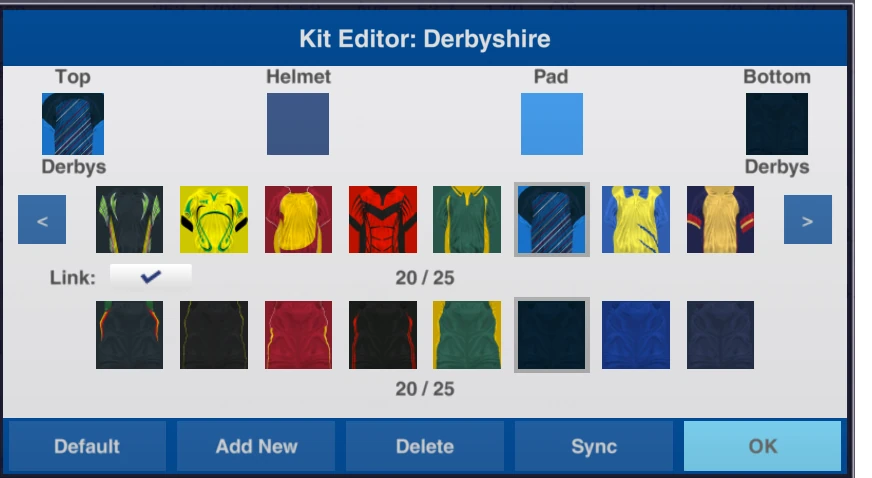
When you select Add New it will create default kit textures that you can edit in this location:
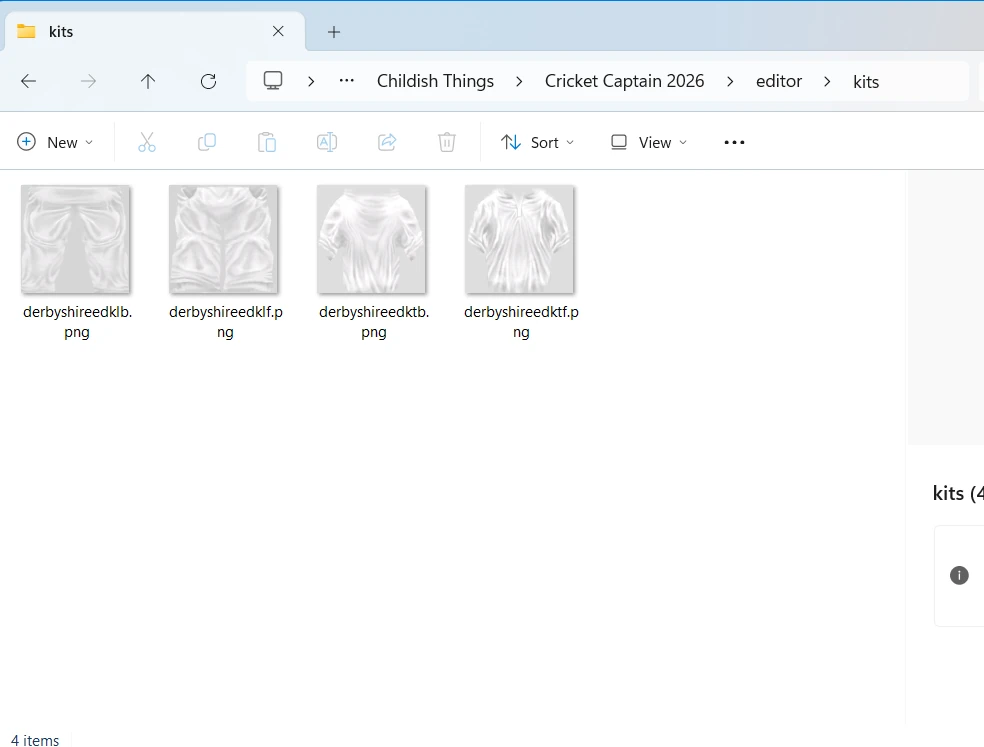
Select the helmet or pad colour to change this colour.
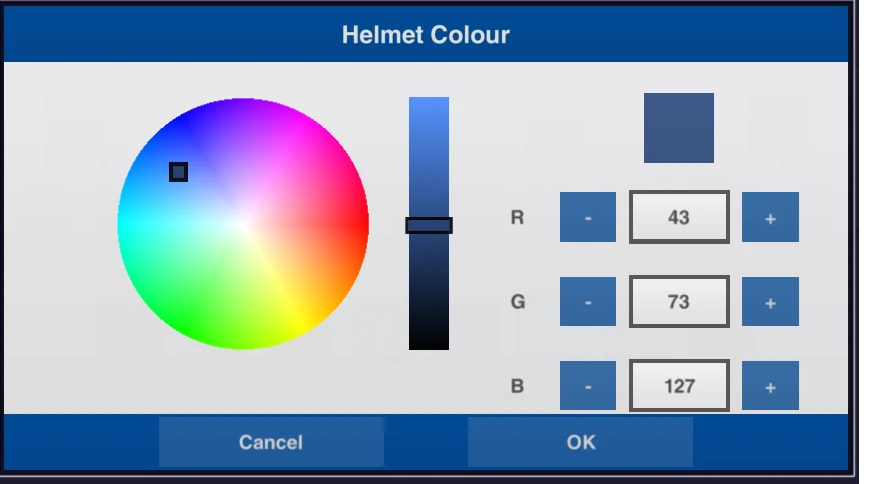
These RGB values can also be changed in edited kits.
Team Emblem Editor
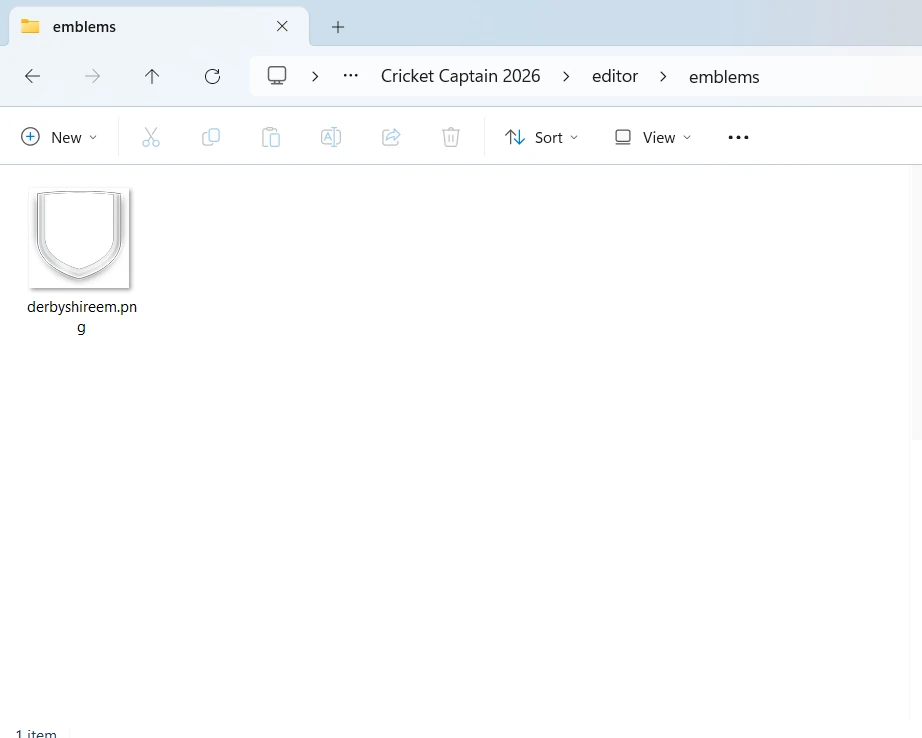
In game, go to a team and you’ll see a cog, select this to open the emblem editor. From here you can add a new emblem for a team. When doing so it will create the emblem and text file in the location above.
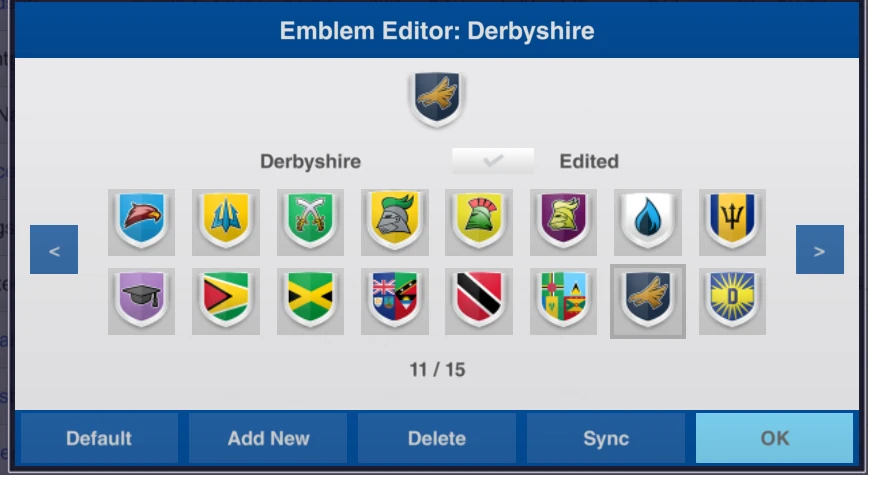
When you select Add New it will add a default emblem to this folder:
Team name sharing
When you edit a team name it will create a prepopulated file in the save location.
Competition name sharing
When you edit a competition name it will create a prepopulated file in the save location.